Skip to content

Build Along · April 22, 2026 · Ryan Wanner

How do I turn a useful idea into a client resource I can review?

Specify the reader and the job, collect the facts, and ask for a complete first draft. Mark what is inaccurate or unclear, revise against the source, and test the final packet on a phone and in print. Save the request and the correction with the asset.

All classes

The Build Loop · selected teaching slide

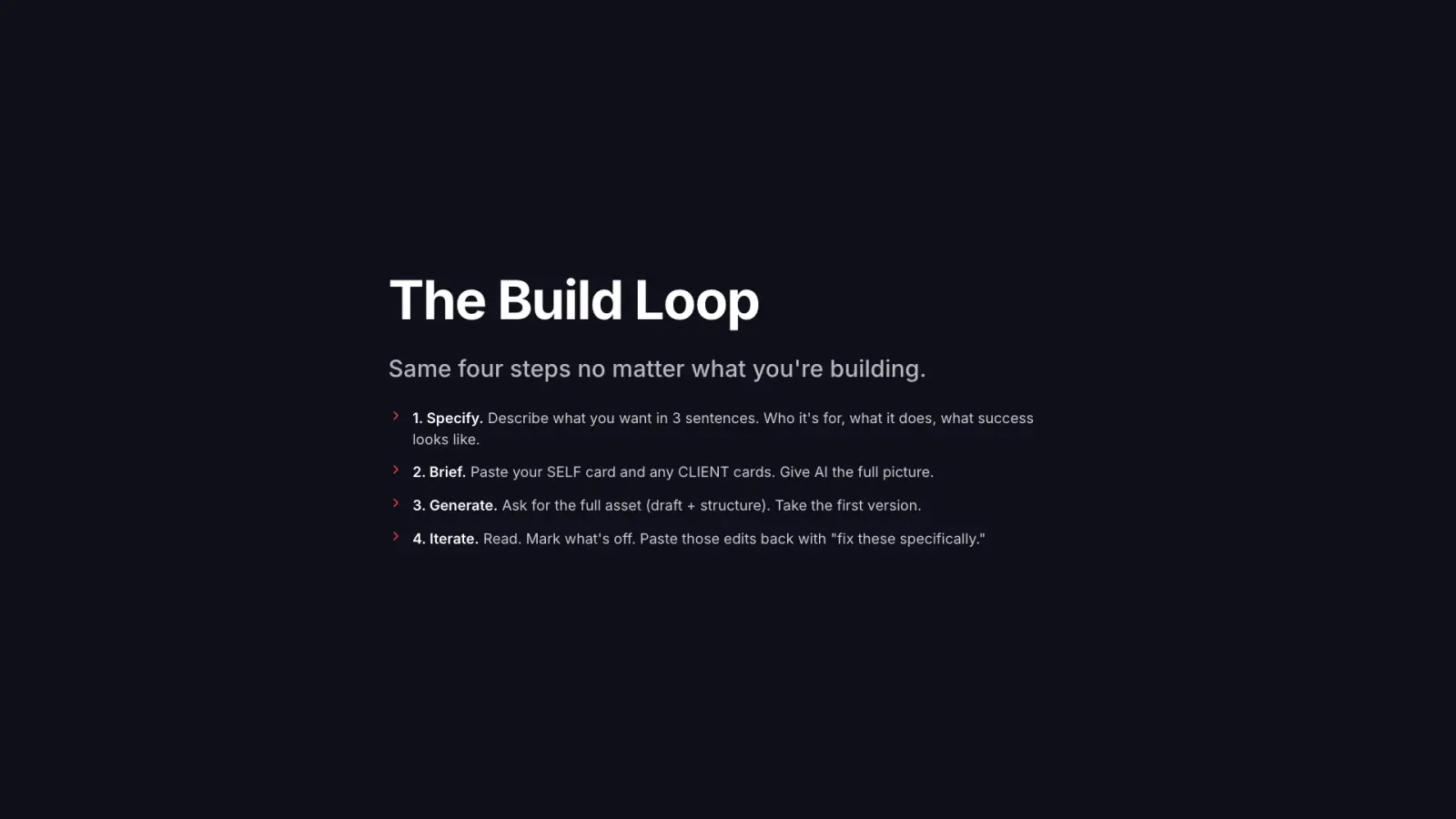
The Build Loop. Same four steps no matter what you're building.. 1. Specify. Describe what you want in 3 sentences. Who it's for, what it does, what success looks like.. 2. Brief. Paste your SELF card and any CLIENT cards. Give AI the full picture.. 3. Generate. Ask for the full asset (draft + structure). Take the first version.. 4. Iterate. Read. Mark what's off. Paste those edits back with "fix these specifically."

Each class was taught live by Ryan Wanner to working real estate agents.

Mark the sentence that needs to change

Fictional agent Morgan Reed’s first meeting covers goals, the search workflow and the buyer’s next questions. That is the entire source. Review the intentionally flawed draft, then write a correction the next version can satisfy.

Source facts

  • The meeting discusses the buyer’s goals.
  • Morgan explains the search workflow.
  • They collect the buyer’s next questions.

Draft to inspect

Bring your goals and questions. We’ll secure your best financing and have you ready to buy within seven days.

The first sentence can be supported by the supplied process. The second cannot.

This is your review exercise. Copy your work before leaving.

Make a useful packet you can review

  1. Specify

    Write a three-sentence brief for fictional agent Morgan Reed’s first-meeting packet. Name the reader, the question it answers and what a useful result looks like.

  2. Collect source

    Use the supplied process facts: discuss goals, explain the search workflow and collect next questions. Add only permitted source material you can inspect.

  3. Brief

    Ask for a one-page preparation checklist and an accompanying draft email. Include the relevant source facts, style examples and instructions for missing information.

  4. Generate

    Generate the complete draft and its structure. Keep the packet editable so you can mark corrections before anyone receives it.

  5. Annotate and revise

    Mark one inaccurate, unclear or unsupported passage. Explain the specific defect, request a revision and compare the new passage with the source.

  6. Test and save

    Check the packet on a phone and in print. Read its next step aloud, test its links and save the source, request, correction and final review state together.

Keep the loop small

Who it's for, what it does, what success looks like.
The Build Loop slide · Write a specific brief.
Ask for the full asset (draft + structure). Take the first version.
The Build Loop slide · The first version is a draft to inspect, not a release.
Read. Mark what's off.
The Build Loop slide · A specific correction makes the revision testable.
Choosing an asset without a reader

Name the person’s task and the question the packet should answer before choosing a format.

Asking for a nicer version

Mark the exact unsupported or unclear sentence. Explain the defect so you can check whether the revision fixed it.

Saving the asset but losing the method

Keep the original request, source facts and correction beside the final draft. Those make the next client resource easier to inspect.

Take the work with you

Create a free student portal account to download this class's files.

Read the client-resource worksheet
# Build Along: Make and Revise One Client Resource

Current companion, prepared November 8, 2026, for the April 22, 2026 class. The exercises are editorial practice; no particular attendee outcome is claimed. No verified recording was located.

Specify the reader and the job, collect the facts, and ask for a complete first draft. Mark what is inaccurate or unclear, revise against the source, and test the final packet on a phone and in print. Save the request and the correction with the asset.

## Specify

Write a three-sentence brief for fictional agent Morgan Reed’s first-meeting packet. Name the reader, the question it answers and what a useful result looks like.

Check: One packet, not an entire CRM or marketing program.

My input:
Observed result:
Correction and next action:

## Collect source

Use the supplied process facts: discuss goals, explain the search workflow and collect next questions. Add only permitted source material you can inspect.

Check: No invented mortgage terms, market facts, legal advice, testimonials or guarantees.

My input:
Observed result:
Correction and next action:

## Brief

Ask for a one-page preparation checklist and an accompanying draft email. Include the relevant source facts, style examples and instructions for missing information.

Check: Explicitly say unknown facts must be asked about or omitted.

My input:
Observed result:
Correction and next action:

## Generate

Generate the complete draft and its structure. Keep the packet editable so you can mark corrections before anyone receives it.

Check: First output is clearly a draft; no automatic send or public host.

My input:
Observed result:
Correction and next action:

## Annotate and revise

Mark one inaccurate, unclear or unsupported passage. Explain the specific defect, request a revision and compare the new passage with the source.

Check: Compare version two against source and acceptance checklist, not aesthetic preference alone.

My input:
Observed result:
Correction and next action:

## Test and save

Check the packet on a phone and in print. Read its next step aloud, test its links and save the source, request, correction and final review state together.

Check: All placeholders removed from the usable draft; links work; audience can identify the next step. Request approval separately before delivery.

My input:
Observed result:
Correction and next action:

## Save the working record
Source, owner and date:
Exact version:
What passed:
What failed or remains unknown:
Permission needed before external use:
Next review date:
Read the complete starting request
Use only the fictional process notes I supply to draft a one-page first-meeting buyer preparation checklist and an accompanying email for review. Name the reader, job and success checks first. Include the full structure. Ask about missing facts or omit them; do not invent mortgage terms, market numbers, legal advice, credentials or testimonials. Mark the weakest passage, propose one source-based correction and show the revised version. Do not send, host or publish.
Choose an asset worth making

Editorial questions for this current exercise.

Must I build a website?

No. Choose a useful asset with a clear reader and job. The practice here produces a meeting packet and draft email.

Is this the April Vibe Coding class?

No. This April 22 Build Along also covers non-code assets. The separate April 8 class focuses on specifying and testing a small tool.

Do I need a live client?

No. Use the fictional source facts or a permitted, appropriately minimized case.

Can I send the first draft?

Review facts, placeholders, permission and the intended recipient first. Preparing a class exercise does not authorize a send.

Where are the original workbook and replay?

Neither was recovered for this occurrence. The new workbook is a current companion to the registered build-loop slide, with the historical URL and class identity preserved.

Continue with a concrete next task

Vibe Coding: Specify and Test One Useful Tool
Compare the next practical application.

Context Kits and AI Systems: The Full-Day Workshop
Try a different kind of useful output.

Keep your context current
Date the facts you reuse and resolve conflicts before drafting.

Learn with the next examples: YouTube · LinkedIn · Instagram

After the client-resource revision

Build around the task your client needs to finish.

Your reviewed packet shows the next useful step. Review AI Acceleration: Build if you want help turning a defined client task into a working business system.